The practical answer
Use a clear reading order and ordinary section headings. Follow the employer’s file instructions, then check both the exported document and any fields filled from it.
What an ATS does with a resume
An applicant tracking system, or ATS, helps an employer manage applications. Resume parsing is the part that reads an uploaded document and tries to put details such as your name and work history into fields. Parsing is only one part of the hiring process.
Greenhouse documents cases where an uploaded resume remains attached even when its details fail to parse. That distinction matters: a formatting problem does not, by itself, tell you whether an employer has rejected an application. Different employers use different systems and settings.
An “ATS-friendly” format aims to make your information straightforward to extract and read. It cannot establish that you meet the job requirements or guarantee an interview.
Give the page a clear reading order
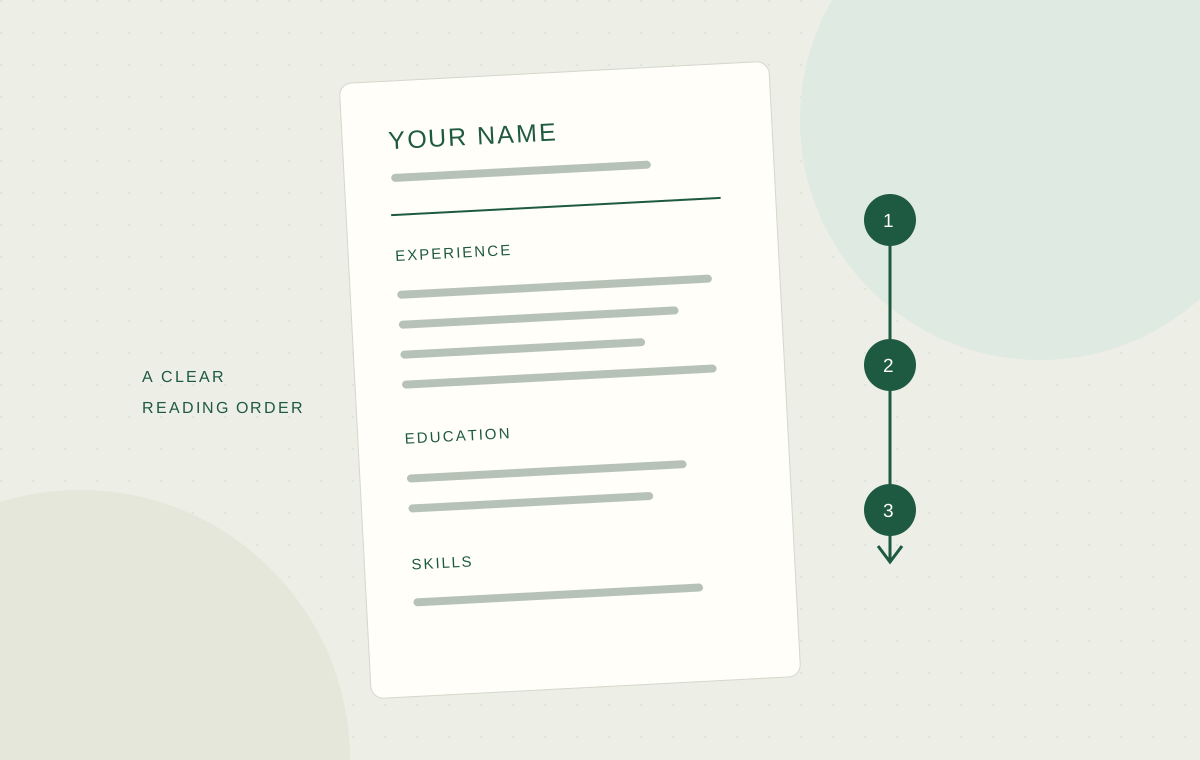
A single column is a sensible starting point. Put each job title close to its employer and dates, followed by its bullets. Keep the hierarchy visible through spacing and consistent headings. The reader should not have to guess which date belongs to which role.
Greenhouse lists columns, complex tables, graphics and contact details inside headers, footers or text boxes among possible parsing problems. Place essential details in the main document body. Use plain text for your email and phone number, even if your design also includes an icon.
Choose a readable font size and leave enough space between sections. When the page becomes cramped, shorten repetitive content before shrinking everything. Resume length depends on the application and your experience; follow any explicit employer limit.
| Page element | A clear starting point |
|---|---|
| Contact details | Name, email and phone in the document body |
| Sections | Experience, Education, Skills and relevant Projects |
| Work history | Job title, employer and dates grouped together |
| Skills | Named tools and abilities in text, without rating bars |
Choose PDF or DOCX from the application instructions
If the employer asks for a particular format, use it. When both PDF and DOCX are accepted, inspect whichever file you intend to send. A PDF preserves the appearance you exported; a DOCX may display differently when opened with another editor.
For a PDF, try selecting a sentence and copying it into a plain text editor. Check that the words appear in the expected order. A scanned image of a resume may look readable to you while containing no selectable text. This copy check catches obvious issues, but it is not a simulation of every ATS.
Open a DOCX after exporting it, too. Check page breaks, bullets and spacing around dates. A clean editing view does not prove the exported version is clean.
Review the application after the upload
Treat autofilled fields as a draft. Read your contact details, employer names, job titles and dates. Correct missing or mixed-up entries before submitting. If the application asks questions separately, answer them even when the information also appears on your resume.
Save the final file locally and give it a name you can recognize, such as your name, the role and “resume.” Keep a copy of the job description alongside it. You can then check what you submitted without relying on the employer portal staying accessible.
Compare each employer, job title and date with the source resume, then correct the employment fields before submitting.
A successful upload confirms that the file arrived. Checking the form tells you whether these details were transferred correctly.
Keep the evidence easy to find
Once the format is readable, spend your editing time on the experience. Use the employer’s terminology where it accurately describes your work, and explain what you did with a skill instead of listing it repeatedly.
Hidden text, copied job descriptions and long keyword lists add claims you may not be able to defend. A useful final review asks whether a person can quickly find your relevant work and whether the application accurately reflects it.
Before you move on
0 of 4 checkedUse this checklist for the application you are working on.
Sources and further reading
Primary documentation on parsing failures and formatting risks. It describes Greenhouse, not every hiring system.
Examples are fictional teaching material created by Evarlio. They are not customer stories or reported hiring outcomes.